
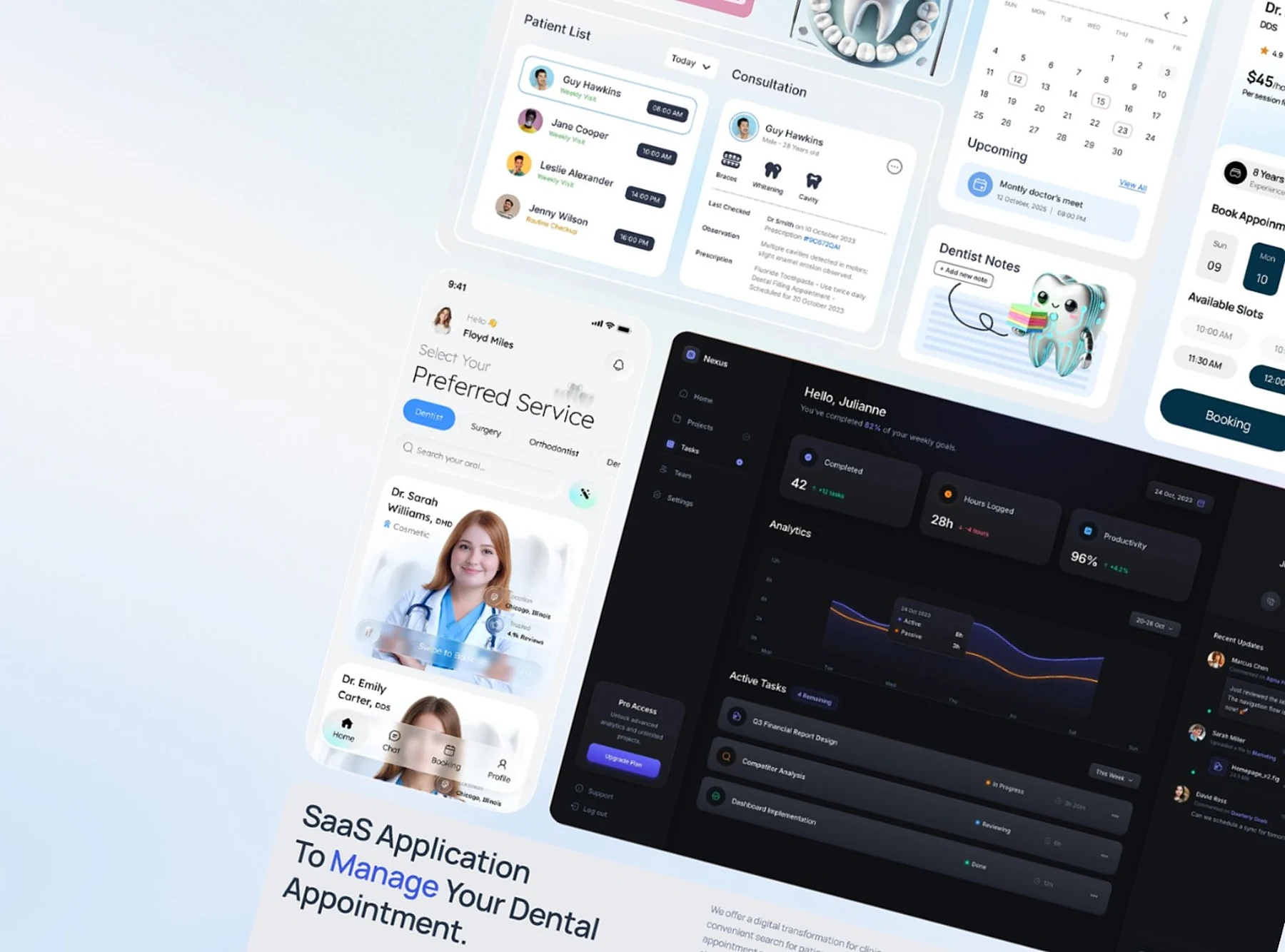
AI & automation for dental front desks
Automate repetitive patient touchpoints without sounding robotic.
How can AI and automation help a dental front desk?
AI and automation help a dental front desk by answering routine questions, covering chats and calls after hours, and sending reminders and follow-ups on time. Staff still handle fees, clinical questions and upset patients, while the system takes over repetitive work and passes any conversation to a person when needed.

Key takeaways
Where automation helps your front desk
Automation should reduce repetitive load on staff, not replace judgment on fees, clinical questions, or upset patients. We map how patients reach you today, pilot narrow flows (e.g. after-hours chat or reminders) with logging, and define escalation paths that match your policies and Canadian privacy expectations.
Where automation helps, and where humans stay in charge
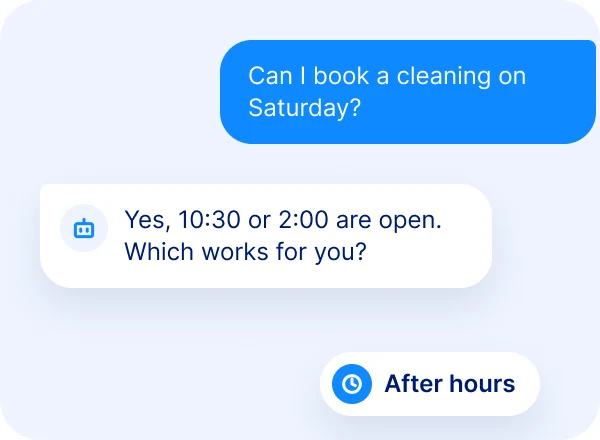
What is dental front desk automation?
AI and automation in a dental practice usually mean chatbots or scripted SMS flows for routine questions, after-hours coverage, appointment reminders, reactivation nudges, and internal checklists, always with human escalation for clinical, billing, or upset-patient situations. "AI" here is narrow: language models or decision trees configured to your policies, not a replacement for your team. Good automation feels like a helpful assistant; bad automation frustrates patients and creates privacy risk.
Why do dental practices invest in AI and automation?
Cover peaks and after-hours without losing the human handoff patients expect on fees and clinical questions.
Missed calls are lost production
Missed calls and slow texts are leaked production, especially for emergency and high-value consults.
Front desks have predictable peaks
Front desks experience predictable peaks; automation absorbs repetitive questions so humans handle nuance.
Patients message after hours
After-hours behaviour has shifted: patients message before they voicemail; if nobody answers, they move on.
Groups need consistent first touch
Multi-location groups need consistent first-touch answers without each office improvising.
Reminders improve show rates
Done carefully, automation improves show rates when reminders respect patient preferences and regulations.
Busy practices losing calls and chats, multi-location groups standardizing first touch, or teams piloting AI with conservative risk posture.
What do you need to start with automation?
Practical items so the program launches cleanly, nothing here is about selling extras you do not need.
What is included in AI and automation?
Concrete outputs you can expect from an engagement shaped around your market.
How does an automation project work?
Three beats: discovery, build, and iteration, so expectations stay clear.
Map reality
How patients reach you today and where leaks happen.
Pilot
Limited rollout with logging and human review.
Expand
Scale what holds up; retire what does not.
How dental automation works in plain language
Technical detail in plain language, so you know what we are doing and why it matters for patients and platforms.
Workflow mapping before tools
We document current paths: phone tree, website form, chat widget, Instagram DMs, referral portal. Only then do we match tools (off-the-shelf chat, PMS add-ons, or lightweight integrations) to realistic workflows.
Prompting, guardrails, and logging
Scripts include fallback phrases, scope limits ("I cannot diagnose"), and handoff triggers. Logging helps you audit what patients asked and how the system responded, essential for tuning and compliance conversations.
Integrations vs human bridge
Deep PMS integration is not always available; sometimes the right answer is SMS handoff to a human with templated context. We scope honest integration vs manual steps so you are not sold fantasy plumbing.
What results can you expect from automation?
Plain-language signals we work toward, your market and capacity shape how quickly each shows up.
Which automation mistakes should clinics avoid?
Patterns we see across dental markets, so you can sidestep them early.
Letting bots quote fees or clinical opinions.
No escalation path when the patient is angry or confused.
Over-automating reminders without opt-out hygiene.
Choosing tools before defining who owns content updates.
Skipping staff training so humans fight the system instead of using it.
How do we measure automation results?
Leading and lagging indicators agreed upfront, so progress is visible without hype.
Missed-call rate and time-to-first-response after hours.
Automation containment rate vs human takeover (quality, not just cost).
Appointment reminders delivery, confirm, and show-rate deltas.
Patient complaints or negative sentiment themes in escalated chats.
Pilot KPIs agreed before scale (e.g. 30-day window).
Reporting your team can act on, not a spreadsheet nobody opens.
AI and automation questions from dental owners
Automation is as much policy and telecom as it is software, questions we resolve before go-live.
If a patient asks "how much is an implant" in chat, what should the bot say?
It should not quote a price. A good reply explains that the cost depends on an exam and the treatment plan, mentions that a consultation is the first step, and offers to book one or have the team call back. If your clinic publishes a consult fee or price range, the bot can link to that page.
Who owns conversation logs if we cancel the vendor?
Your clinic should own them. Before setup we check the vendor's terms for data ownership, export format and deletion after cancellation, and choose tools that let you export logs. Retention periods are set with your privacy policy in mind.
Can automation write directly into OpenDental, Dentrix, or Eaglesoft?
Sometimes. It depends on your version, hosting and which integrations or partner tools are available. Where direct writing is not possible or not safe, the system sends your team a structured summary to enter, and we tell you upfront which steps stay manual.
What is the smallest pilot you would recommend?
One flow, one location, about 30 days. Missed-call text-back or after-hours chat for hours, location and booking requests are good first pilots, because results are easy to measure and the risk is low.
Missed-call text-back: instant auto-reply vs next business morning?
Instant is usually better: patients who call and get no answer often call the next clinic within minutes. The message should be short, say when the team will follow up and include a booking link. Messages are sent only to numbers that called you, and include clear opt-out wording.
Two-way SMS in Canada, do short codes still work everywhere?
Short codes work across major Canadian carriers but need approval and take time to set up. Most clinics use a local long number or a toll-free number registered for business texting, which is faster to launch and looks more personal. We confirm what your SMS provider supports before go-live.
Will patients know they are not talking to a person?
Yes, we recommend telling them. The assistant introduces itself as an automated assistant for your clinic and offers a person whenever the patient asks or the question goes beyond its scope. Being clear builds trust and avoids complaints later.
Does automation follow Canadian privacy rules?
It can, when it is set up carefully. We limit what personal information the system collects, choose vendors with clear data processing terms, and document where data is stored and for how long. Your privacy officer or counsel confirms the setup against PIPEDA and any provincial health privacy laws that apply.
Ready to talk specifics?
Tell us about your market, services and goals. We will map a practical next step.